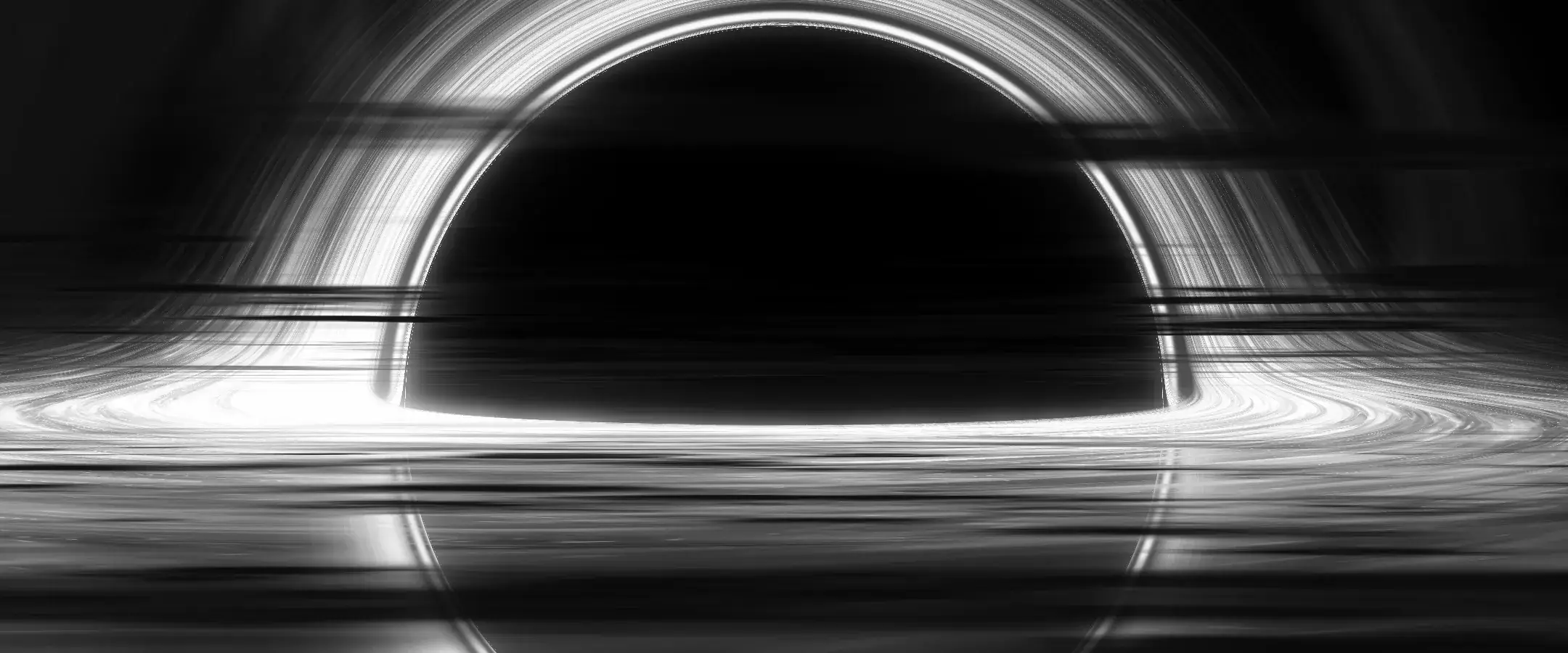
Rendering a black hole in a fragment shader
How the hero of this site bends every pixel's light path around the hole in real time, and what it took to keep it smooth on a laptop.
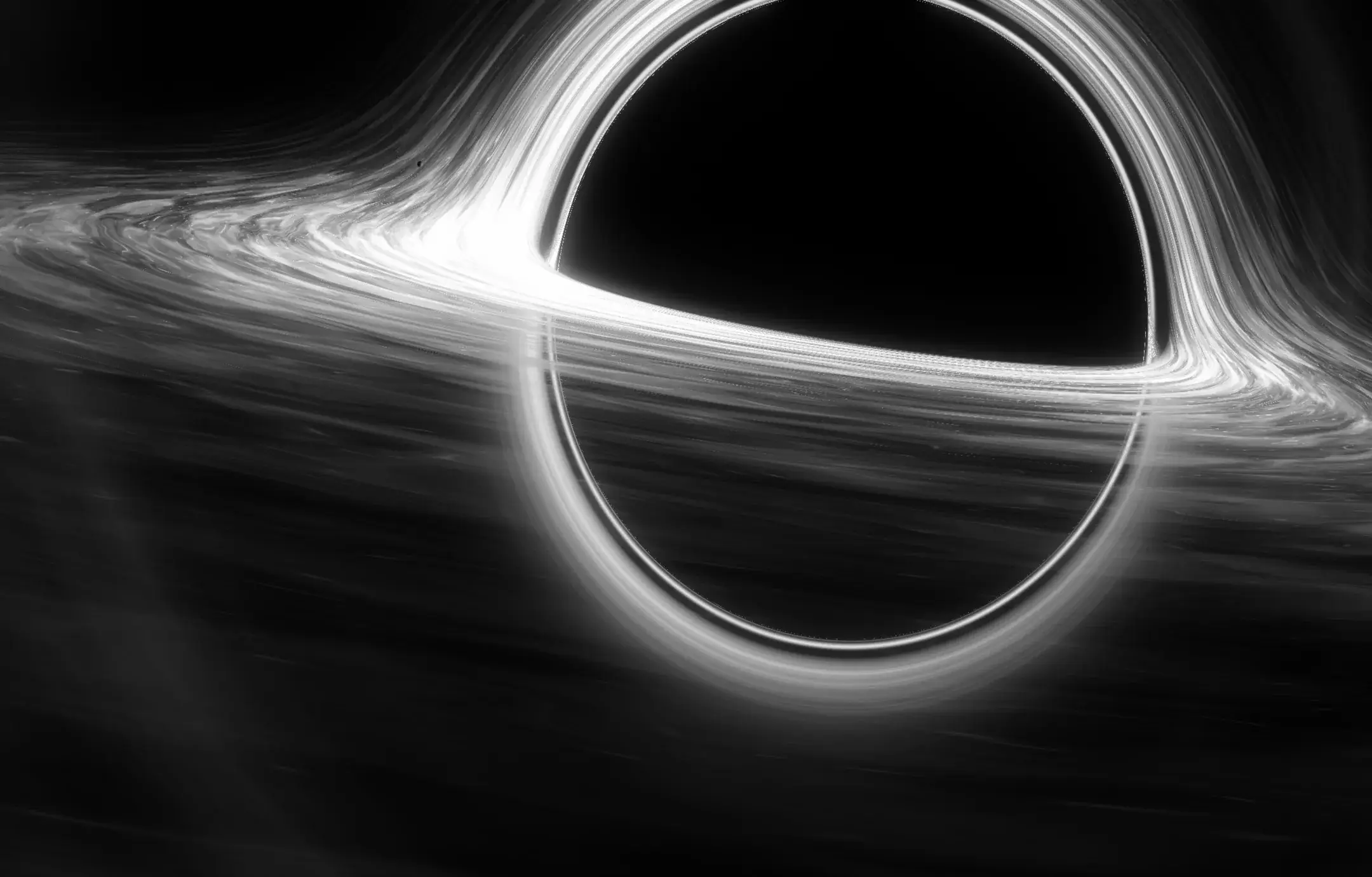
The idea
Most black holes on websites are videos. This one is drawn live: every pixel of the hero is a ray of light traced backwards from the camera, bent around the hole, and coloured by whatever it hits on the way, the disc of gas or the dark behind it.
Bending light per pixel
The fragment shader steps each ray through the curved space around a Schwarzschild hole. Near the hole a ray swings around it, which is why you can see the back of the disc arching over the top and a thin ring of light hugging the shadow. Rays that fall in stay black. Rays that cross the disc pick up its light, brighter on the side that moves towards the camera.
Glow in two sizes
A raw render looks harsh. The light is blurred twice, once tight and once wide, and added back on top. The tight blur gives the disc its bloom, the wide one the haze that makes the hole feel enormous instead of small.
Keeping it smooth
A shader like this costs real time on every frame, so a few things keep it cheap:
- The canvas only starts when it is about to scroll into view.
- It renders below screen resolution and steps down further by itself when frames come in slow.
- A still of the same shader sits under the canvas, so the page never waits for WebGL, and stays there if WebGL is missing or the context is lost.
Flying past it
Scrolling moves the camera along the ring instead of moving the page, then hands over to the next section. With reduced motion switched on, or without JavaScript, the flight is skipped and the page simply reads from top to bottom.